Provisioning Claude Code and Codex Cloud VMs Under a Single Team License Without Redundant Spend
Split interactive and automated coding work to avoid paying twice for one team.
To run Claude Code in the cloud with Codex without redundant spend, separate human-led coding from API-routed automation and give every agent session an isolated environment. A managed cloud platform can supply those environments so the team does not have to maintain separate VM fleets. Both agents fit into one coherent team cost model while retaining separate vendor licenses.
Why teams running both Claude Code and Codex face a double-subscription trap by default
Both vendors package their coding agent as part of a human subscription. That is a reasonable fit when a developer signs in, directs the agent, and reviews its work during a coding session. The mismatch starts with unattended work. A CI pipeline or scheduled background agent does not need the chat interface or the interactive surface bundled into a seat, yet a naive deployment assigns it the same subscription as a person.
Adding a second agent compounds that mismatch. A team can end up purchasing two full per-person stacks even when developers interact with only one agent and invoke the other through automation. Seat counts then describe the number of agents a team has enabled rather than the number of people using those agents interactively.
What each vendor's pricing model actually charges for, and where the cost levers are
Claude Team has a fixed charge for each seat and an allowance for usage. Every Team seat includes Claude Code, so premium seats let people use the coding agent more. Annual and monthly billing affect the fixed cost. Claude chat, Claude Code, and Cowork use the same allowance for each seat, which resets across rolling and weekly windows. Using more of that allowance for chat leaves less for coding.
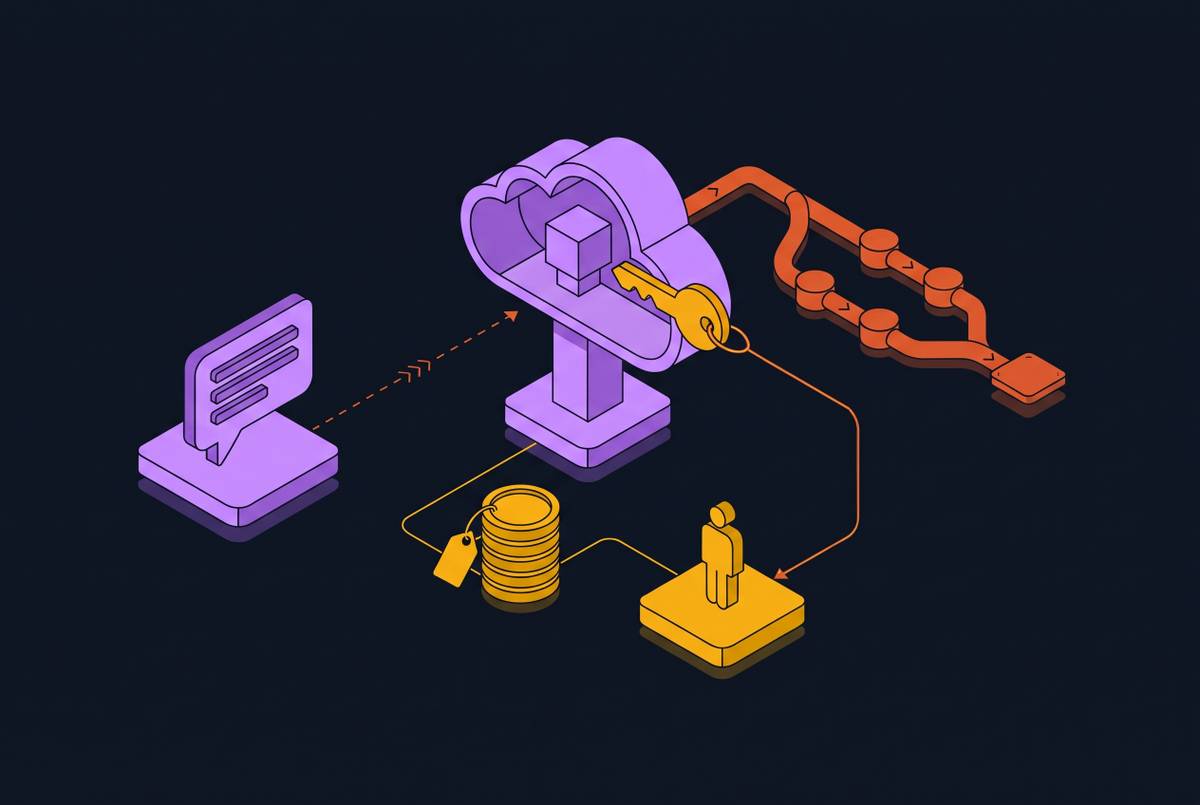
The Team plan also includes a capped, pooled monthly API credit, scaled by seat type and claimed by linking a Claude Console organization. That credit is a separate pool. It covers only applications and automation built on the API. The Console API path charges for tokens without a seat floor, and workspace spend limits give the team a separate way to cap what it spends on automation.
OpenAI includes Codex in ChatGPT plans, with different subscription tiers providing different allowances and cloud resources. Codex cloud tasks run in isolated workspaces, and at launch there is no separate VM charge above the seat fee. Eligible Enterprise workspaces can instead add Codex-only seats with no fixed fee and API-style token billing. OpenAI no longer offers new pay-as-you-go Codex seats for Business, although existing legacy seats remain available to their holders.
A subscription pays for an interactive allowance, while an API route charges for the tokens used. Included API credit offsets only eligible API spending. Consequently, the relevant comparison is not simply which vendor offers the cheaper seat, but which billing unit fits the work being provisioned.
How to classify workloads before assigning them to a seat or an API path
The first provisioning decision is to classify actual workflows. A developer who uses Claude Code every day to explore code, investigate a problem over several steps, or supervise agentic work belongs on a named seat. The engineer is present and directing the task. Claude Code can reason in depth and work on its own under supervision, which suits that interaction, and Codex tasks launched from the ChatGPT desktop app or IDE extension belong in the same group when the developer reviews what they produce.
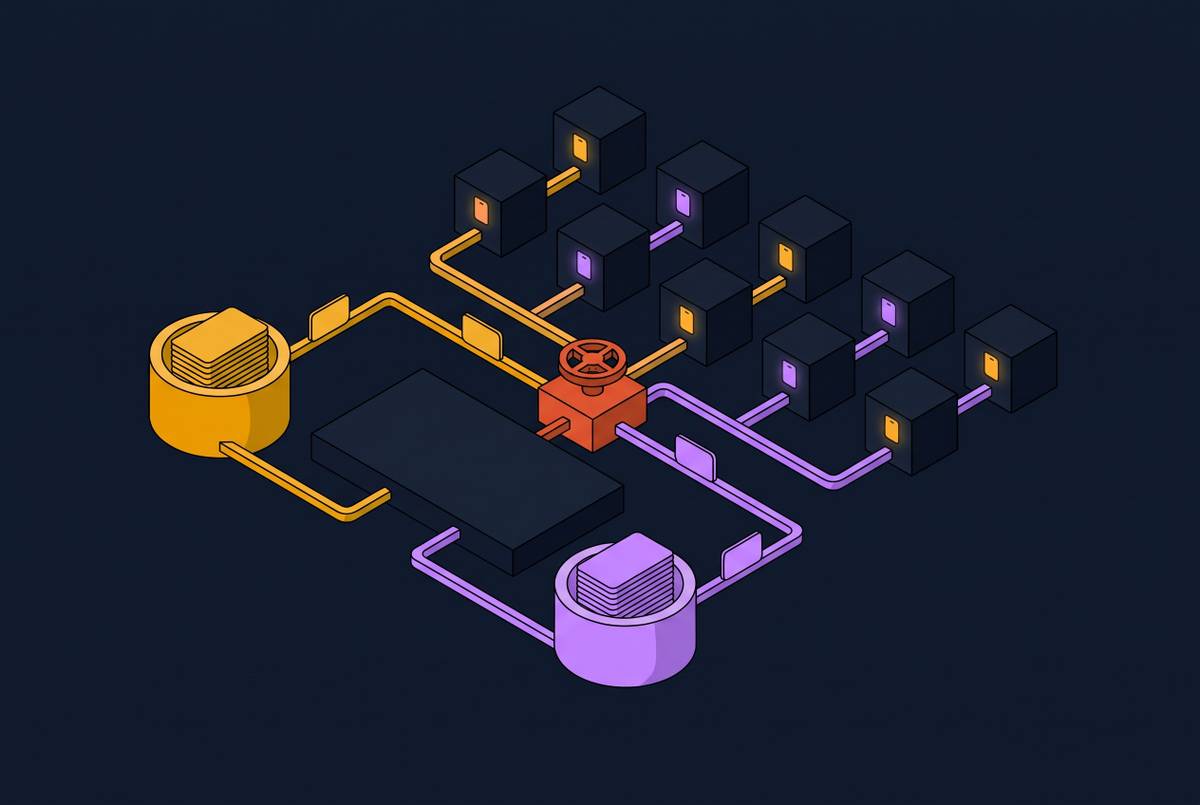
A CI pipeline, a background agent that runs on a schedule, or a PR review bot triggered by a webhook belongs on the automation side. These workloads need credentials and an execution environment. The practical test is whether a person signs in and reviews the work in real time. For Claude automation, a Console organization with its own API keys provides a clean separation from interactive seats. Anthropic’s Console-to-Enterprise migration guide explains how to keep that organization while moving developers who work interactively to seats.
A Slack-triggered agent that returns a pull request is the mixed case. Its execution is autonomous even though a person reviews the result later. The recommended split follows those two stages. Routing the agent run through the API path saves interactive seat usage for when the engineer later reviews the work with the agent’s help. A human approving the final PR does not, by itself, turn the preceding background run into an interactive workload.
The same distinction applies to Codex, subject to workspace eligibility. Token-billed Codex automation avoids a fixed seat charge where the pay-as-you-go option is available. New Business deployments cannot assume that option exists. The team needs to check that it qualifies while planning workloads, before it builds a cost model around a billing route it cannot use.
Structuring a single team license that covers both agents without redundant seats
A few premium Claude seats can cover people who do a lot of interactive work, while standard seats cover developers who stay within the lower allowance. An unattended job on its own does not call for a seat in either tier. The correct mix depends on how many developers use Claude Code interactively and how much of their shared allowance goes to other Claude applications.
Keep a Console organization for Claude CI and background work, linked to the Team plan to claim its pooled API credit. Use that credit for lightweight tooling and automation that it covers before adding another Console organization or another billing relationship. Credit offsets eligible usage within the API billing path, while workspace spend limits and member attribution make that path governable.
On the Codex side, assign ChatGPT Business seats at $20/user/month annual to developers who use Codex interactively through the desktop app or IDE extension. Route automation through pay-as-you-go Codex where the workspace is eligible. OpenAI’s June 24, 2026 change ends new Business pay-as-you-go seats, so this advice applies to Enterprise workspaces that qualify and to existing legacy Business seats. It is not a universal Business configuration.
“Single team license” therefore needs a precise interpretation. One Claude Team plan does not pay for access to Codex, and an OpenAI subscription does not pay for Claude automation. What the team can consolidate is its allocation policy, credential configuration, and infrastructure provisioning.
How to run Claude Code in the cloud with Codex on isolated VMs
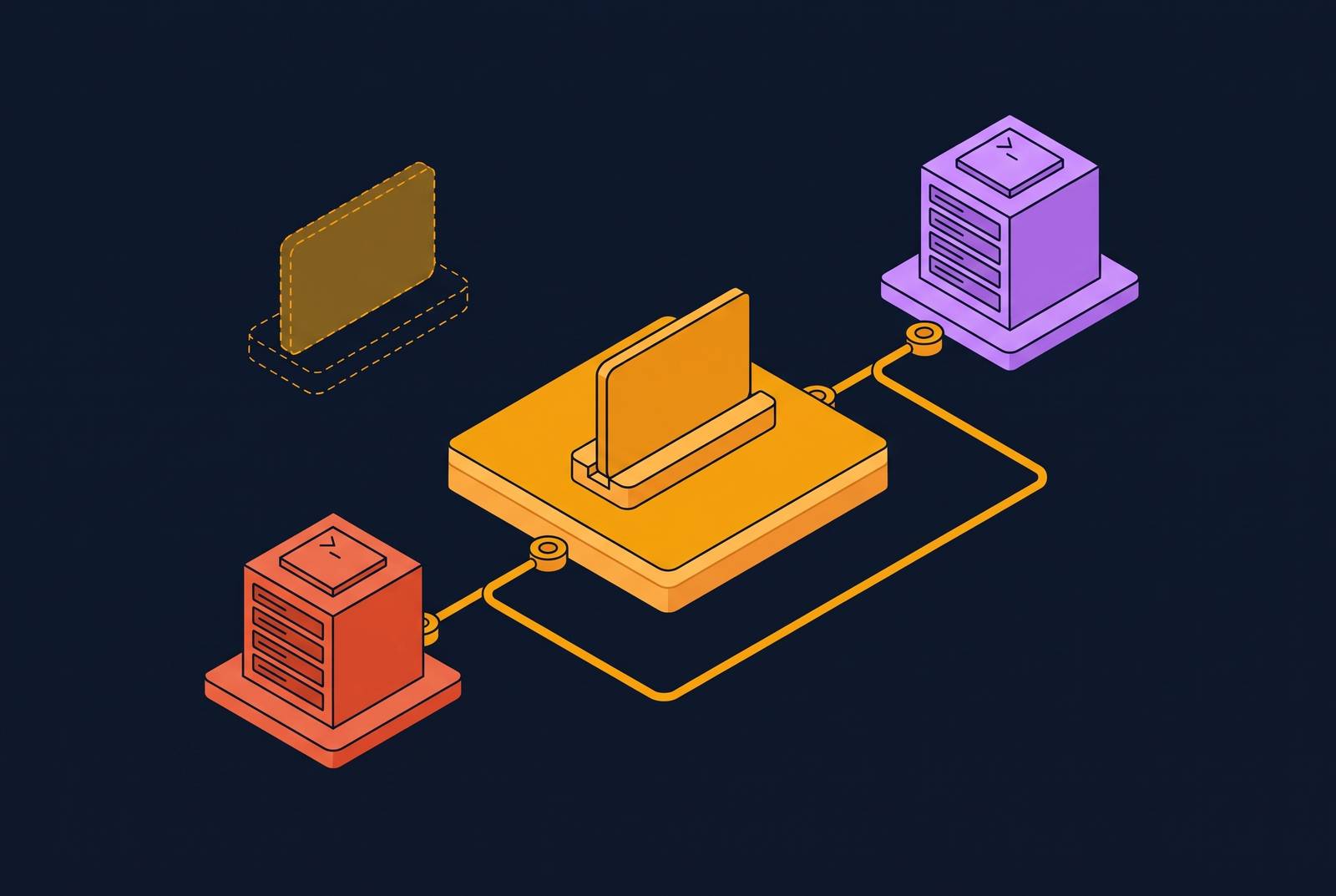
Every parallel agent session needs its own environment, including its services, database, hostnames, and failure boundary. Sessions must keep their state separate even when they share infrastructure. When an agent installs packages or restarts a service, it should not disrupt another agent’s run. For Claude Code, the working pattern is Docker-based isolation, giving each session its own dependencies, services, and network within the cloud environment.
Codex Cloud provides a managed version of this pattern. A team publishes a reusable environment, and each task starts from that prepared filesystem in its own isolated workspace. Cloud tasks are available starting at Plus. Plus tasks receive 2 vCPUs, 8 GiB of RAM, and 8 GiB of disk, while Pro and above receive 4 vCPUs, 16 GiB of RAM, and 32 GiB of disk.
For multi-file agentic work on a real repository, the recommended Claude Code VM starting point matches the larger Codex configuration. Task complexity still governs the final sizing decision. Under-provisioning can produce failures that appear to reflect model quality but originate in environmental constraints. Pre-loading dependencies and tooling into the VM image reduces startup time and makes runs more reproducible than installing everything during execution.
The shared layer is the provisioning workflow, image management, and credential configuration. Teams that do not want to manage their own infrastructure can use a cloud platform that supplies isolated VMs per run. The relevant selection criteria are prepared environments, session sandboxing, support for both agents, and attribution by model, harness, and credential. That arrangement removes the need to maintain separate VM fleets for each agent without sacrificing execution boundaries.
Connecting both agents to existing workflows without adding new tooling overhead
Connecting workflows is part of provisioning because the trigger must choose the billing route meant for the work. When a Slack request or CI event calls for autonomous work, it should not use up a developer’s interactive allowance without their knowledge. Existing tools can remain the entry points. The automation credentials established earlier must fund the run, while pull requests provide the handoff back to human review.
Claude Tag, in public beta for Team and Enterprise plans, takes requests in Slack channels and charges them to the organization’s usage balance. It is distinct from Claude Code in Slack on individual plans, which has separate account and connection prerequisites. That distinction prevents the two workflows from being provisioned interchangeably. The organizational delegation pattern allows a developer to request work in Slack and receive a PR back without drawing on that engineer’s interactive seat allowance.
GitHub Actions and GitLab CI/CD provide more direct automation entry points. A Claude Code GitHub Action runs without a human signing in, so the recommended route is the Console API organization. The GitLab integration also runs work triggered by CI/CD directly. These integrations should use the automation credentials chosen during provisioning, with Codex background runs using pay-as-you-go credentials where eligible.
Neither Claude Code nor Codex provides a native Linear workflow in which a product manager selects a ticket, assigns it, and walks away. Linear’s GitHub integration supplies the linking mechanism instead. Putting the issue identifier in the branch name lets Linear attach the PR, track its status, and close the ticket on merge. The agent can therefore execute through the established automation path while the team follows progress in its existing issue workflow.
Measuring what agents actually cost and what they actually ship
Seat counts alone cannot validate the provisioning model. Two developers on the same tier can consume very different amounts because their tasks and interaction patterns differ. An idle interactive seat can also coexist with substantial API spending. Attribution must therefore distinguish the source, harness, model, and credential for each run, rather than treating subscription headcount as a proxy for consumption.
Claude Console provides member-level attribution through its dashboard or the Claude Code Analytics API with an Admin API key. Workspace spend limits help keep agent spending from running out of control in an organization that also runs production workloads. Enterprise adds a different category of visibility. Its Compliance API and session transcripts support retained-record access to activity and content after the fact, but those capabilities are not required for Team-plan cost attribution.
Eligible Business workspaces can inspect per-member Codex consumption through the workspace dashboard. Pay-as-you-go consumption appears separately from fixed seat costs, making the automation split visible in billing. Cloud-provider routes need additional planning. On Bedrock, Google Cloud Agent Platform, and Microsoft Foundry, Claude Code does not send metrics, error reports, or bug reports to Anthropic by default, although session quality surveys and the WebFetch domain safety check remain exceptions. Per-user attribution on those paths requires OpenTelemetry export, a self-hosted Claude apps gateway, or an LLM gateway.
The governance loop connects that consumption record to the workloads and pull requests the agents produce. After the first sprint, usage data can show whether people keep using premium seats for interactive work or whether most of the work runs through automation. Unused seats can then be reclaimed before renewal. This is a test of provisioning. By revisiting the seat mix, API routing, and environment sizing against actual usage and output, the team can correct the original allocation.